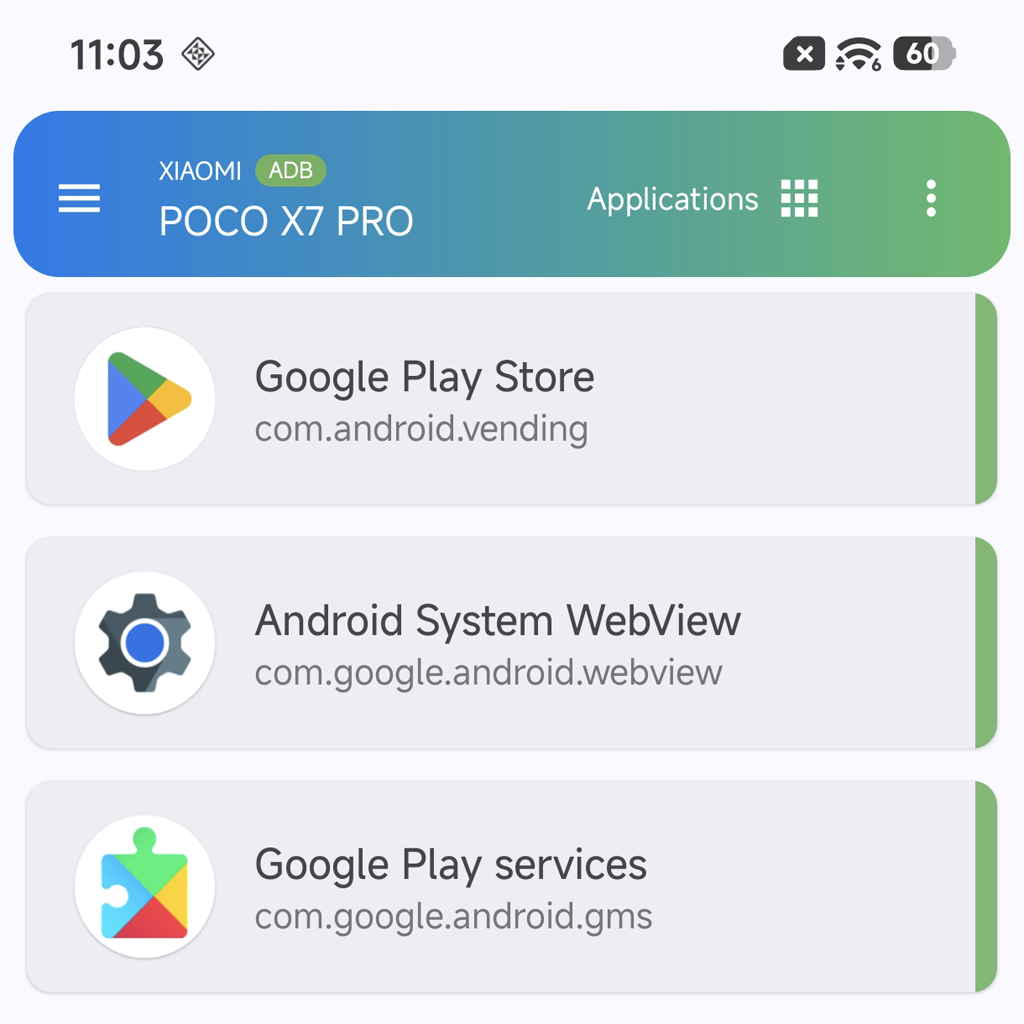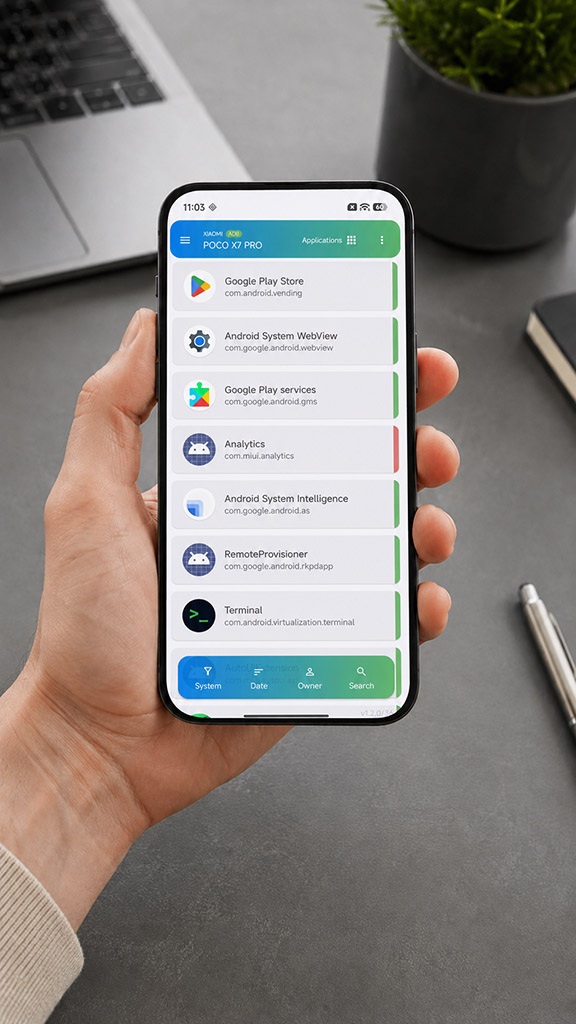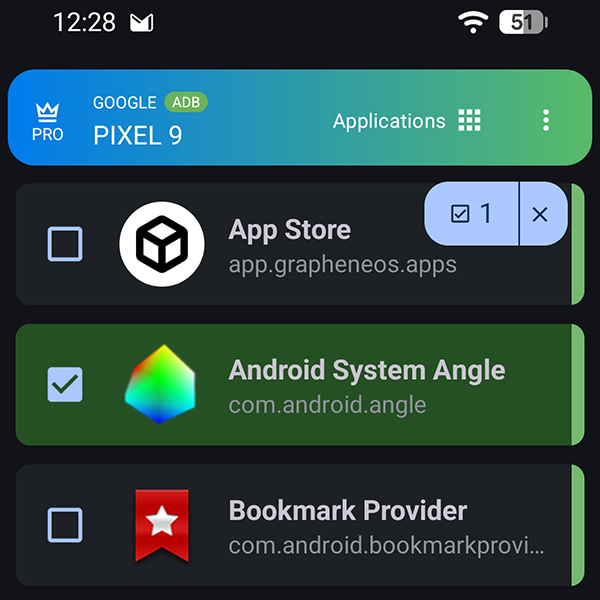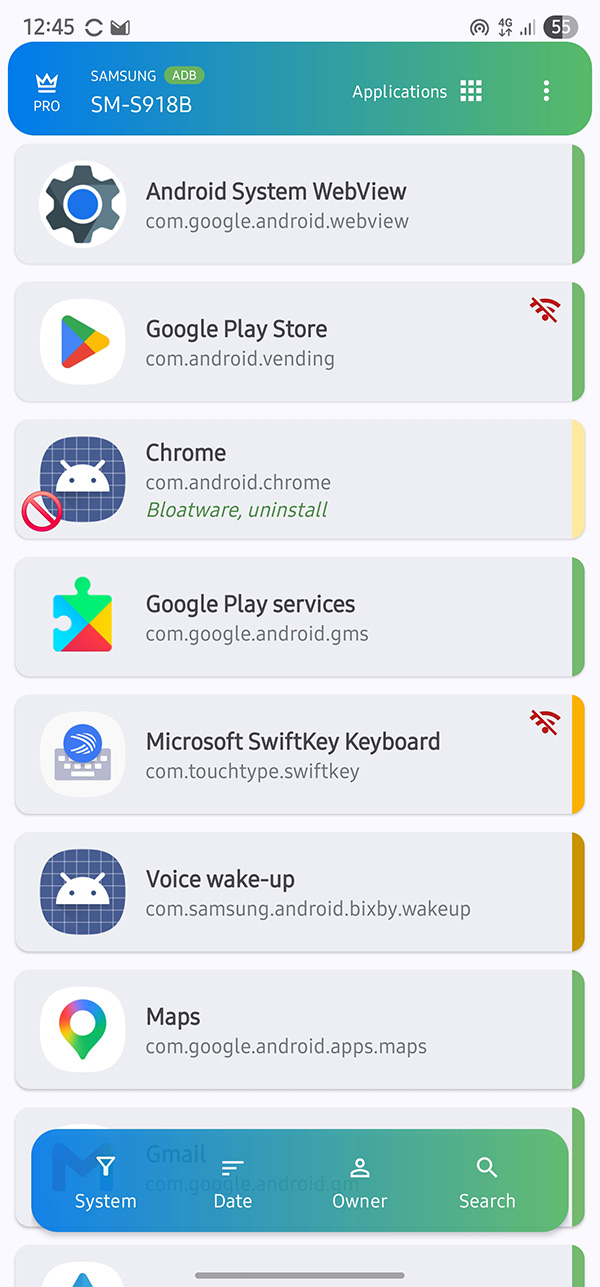
Latest version of ADB AppControl Mobile
By downloading and using the "ADB AppControl Mobile" software, you acknowledge,
that you have read and agree to the Terms of Use and Privacy Policy.
Uninstall and disable (freeze) applications using ADB. Manage applications in the work profile or second space. Install apk, apks, and xapk files.
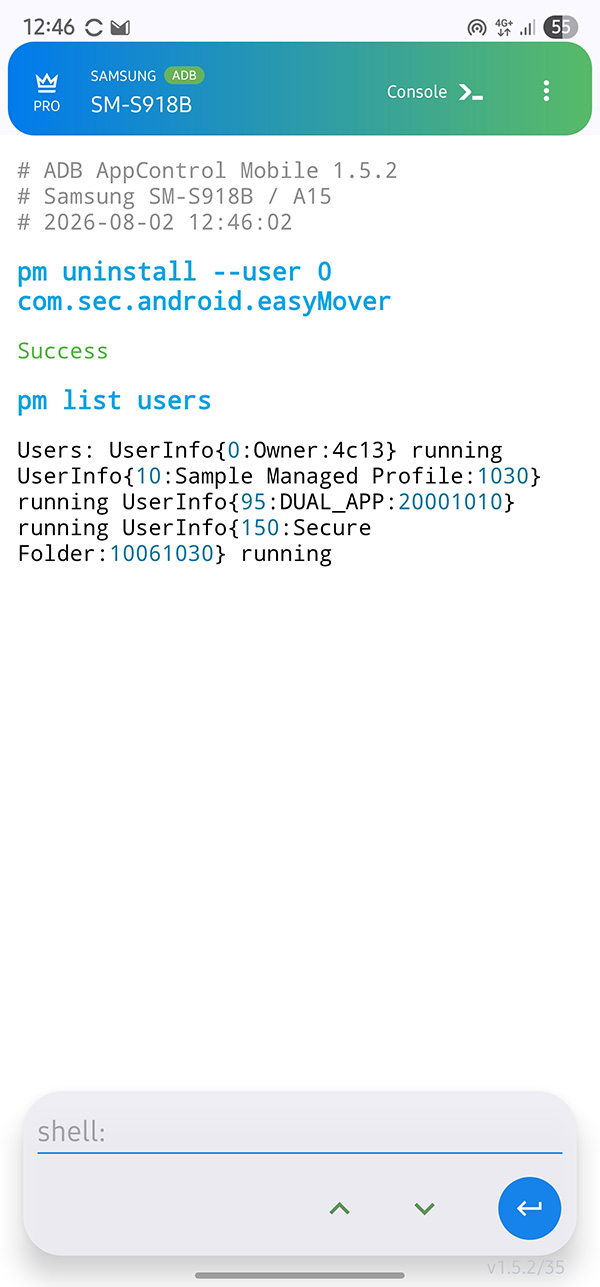
Execute ADB commands on your Android device from a convenient built-in console with syntax highlighting.
Apps on your device may be updated in the background even if you have disabled automatic updates. ADB AppControl will notify you about installed and updated apps.
Connect to other Android devices on your local network in seconds and get all the power of ADB.
Download the application's apk file to your Android device and install it using any file manager.
To set up an ADB connection, you will need to follow the instructions on the screen.
Setting up ADB is not a mandatory step, but it is necessary for most of the app's features to work. You can skip the initial setup by tapping the “three dots” button in the upper right corner of the screen.
Key points:
- Android 11 or newer.
- The device must be connected to Wi-Fi.
- Notifications must be enabled.
ADB AppControl can connect to other Android devices on the same Wi-Fi network.
To have your device detected automatically, enable wireless debugging on it. Re-enable this option if the device is not detected.
If you are connecting an Android 11 or newer device for the first time, you will need to pair it. To do so, follow the instructions on the screen.
To display icons and application names on connected devices, you need to install ACBridge.
ACBridge V3 is a new version of service application developed by Cyber.Cat especially for showing real apps names and icons. You can also obtain application sizes and other options if you grant ACBridge permission to access usage data. Installing ACBridge is optional, but it will improve your experience with ADB AppControl.
ACBridge only provides the API for ADB AppControl. The data never leaves your local network.
When connecting the device, ADB AppControl will prompt you to install the ACBridge. If you agree, the latest version of ACBridge will be downloaded and installed on the device. If installation is not possible, you will be prompted to upload ACBridge to the device. Its apk file will be saved in the Downloads folder and you can install it via the file manager.
If ACBridge is already installed on the device, ADB AppControl will automatically check for the update and install it if available.
ADB AppControl uses ADB capabilities to manage applications on your device.
Note: To display application sizes, ensure that ADB AppControl and ACBridge have access to usage statistics.
Long pressing on an application in the application list opens a menu.
Disable - disables (freezes) the application while preserving its data for the current user (profile).
Uninstall system application - the app will be removed from the list of installed applications in the system. Its apk file will remain in the system section as read-only and cannot be deleted. By default, ADB AppControl will clear the application's data and cache, but you can change this setting.
Uninstall a user application - the app will be completely uninstalled from your device, including its data and cache.
Uninstall an application for a user - the application will be uninstalled only for the selected user (profile), including its data and cache.
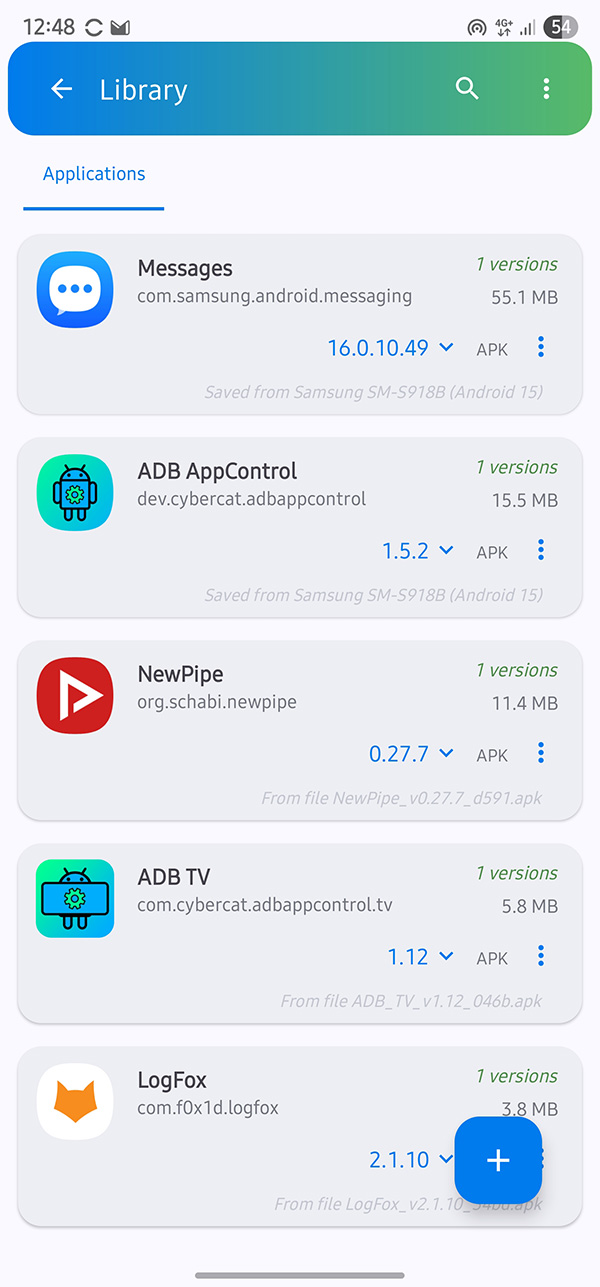
Save apk file - The app's apk file will be saved to the Downloads folder on your device. If the application consists of multiple apk files, it will be saved as apks and can be installed using ADB AppControl.
Install for... - install the application from one user (profile) to another.
If your device has a work profile or a second app space enabled, you can manage the apps in it using ADB AppControl.
Important! Some profiles may be locked by the manufacturer and you will not be able to manage them. For example: Samsung Knox secure folder as well other secure profiles is can not be managed.
To use this feature, you must first create another profile on your device. The easiest way is to create a work profile using third-party apps such as Island or Insular. You will not need any other features of these applications except for creating a work profile.
After creating a profile, you can switch users on the bottom floating bar in the ADB AppControl app list.
Please note: to display icons and app names in another profile, you will need to install ACBridge to the profile.
Work in progress.